lltra software.

How to Write Tools That AI Agents Can Actually Use

Your model is not the problem. We see this pattern constantly: a team picks a strong foundation model, connects it to their APIs, and watches the agent fail 40% of the time. They blame the model, try a bigger one, add more guardrails, and still get mediocre results. The actual issue is almost always the same: the tool definitions are poorly written.
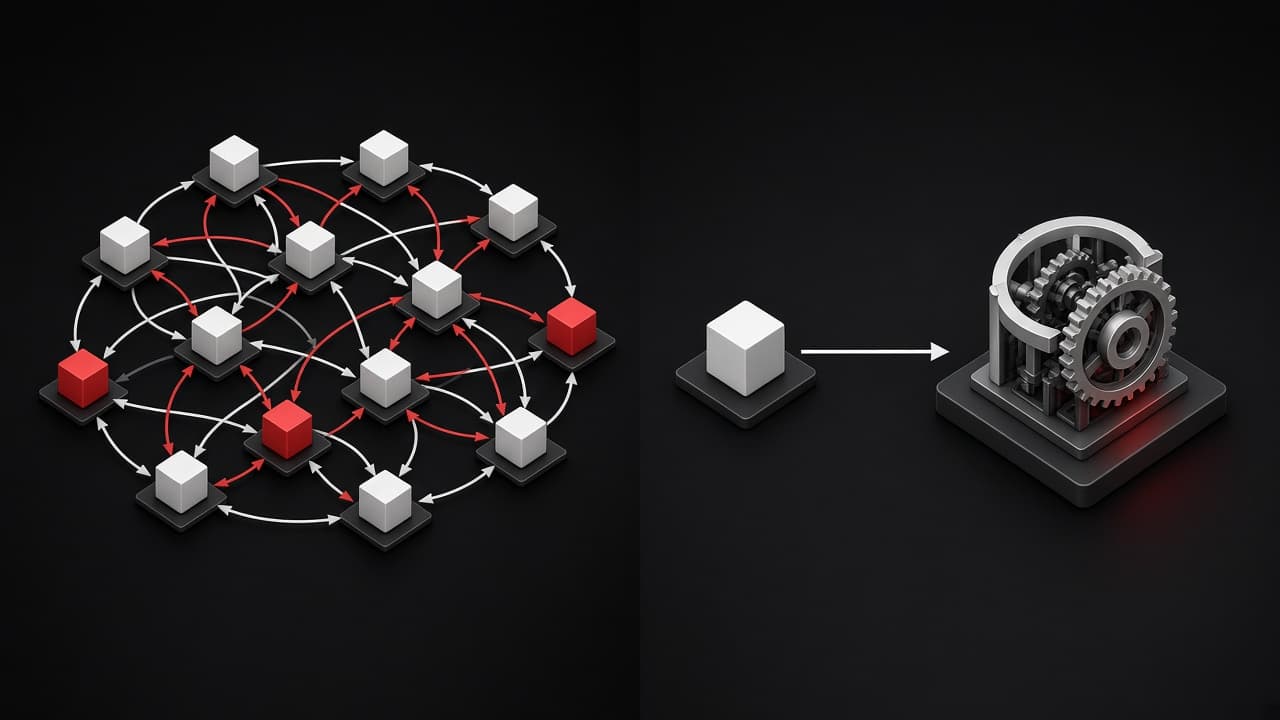
AI agents do not read documentation the way humans do. They do not "figure it out" from vague descriptions. They interpret tool definitions literally, and if those definitions are ambiguous, incomplete, or misleading, the agent will make wrong calls with wrong parameters. Reliably.
What makes a good tool definition
A well written tool definition has four qualities that we test for in every project:
A clear, specific name. searchCustomerOrders is good. search is not. The name should tell the agent exactly what domain and action this tool covers, without needing to read the description.
A precise description that states what the tool does and when to use it. This is the most underrated field. The description should include the tool's purpose, its constraints, and what it does not do. Think of it as a one paragraph contract.
Explicit parameter types with constraints. Every parameter needs a type, a description, whether it is required, and any validation rules. If a date must be in ISO 8601 format, say so. If an ID must be a UUID, say so. Do not assume the agent will guess correctly.
Example values. This is the single highest leverage improvement we have found. Adding one or two example values to each parameter reduces misformatting errors dramatically.
In our benchmarks, adding example values to parameter descriptions reduced parameter formatting errors by 60% across all models we tested. It is the cheapest improvement you can make.
Before and after: a real example
Here is a tool definition we inherited from a client project. The agent was calling it with wrong date formats, missing required fields, and querying the wrong order types.
{
  "name": "search",
  "description": "Search for orders",
  "parameters": {
    "query": { "type": "string" },
    "date": { "type": "string" },
    "type": { "type": "string" }
  }
}
Here is what we replaced it with. Zero model changes, zero prompt changes:
{
  "name": "searchCustomerOrders",
  "description": "Search for customer purchase orders by keyword, date range, or status. Use this tool when the user asks about their orders, purchases, or delivery status. Do NOT use for returns or refund queries (use searchReturns instead).",
  "parameters": {
    "query": {
      "type": "string",
      "description": "Free text search across order items and notes. Example: 'blue wireless headphones'"
    },
    "startDate": {
      "type": "string",
      "description": "Start of date range in ISO 8601 format. Example: '2026-01-15'"
    },
    "endDate": {
      "type": "string",
      "description": "End of date range in ISO 8601 format. Example: '2026-02-15'"
    },
    "status": {
      "type": "string",
      "enum": ["pending", "shipped", "delivered", "cancelled"],
      "description": "Filter by order status. Only accepts the listed values."
    }
  }
}
The result: agent accuracy on order queries went from 60% to 92%. Same model. Same prompts. The only change was telling the agent exactly what each tool does and how to call it.
The four mistakes we see everywhere
1. Vague descriptions. "Handles data processing" tells the agent nothing. The description should answer: what does this tool do, when should the agent pick it, and what should the agent use instead for edge cases?
2. Missing error handling information. If the API returns specific error codes, document them in the tool description. An agent that knows "returns 404 when no customer is found" can handle failures gracefully instead of retrying or hallucinating a result.
3. Too many parameters. Tools with 15+ parameters overwhelm agents. If your API endpoint genuinely needs that many inputs, split it into multiple tools with focused responsibilities. Agents choose between simple, well scoped tools far more reliably than they fill in complex forms.
4. No examples. We cannot stress this enough. Without examples, agents must infer format from type information alone. A "string" parameter could be a name, a UUID, a date, a URL, or a JSON blob. One example removes all ambiguity.
Apply the "intern test" to every tool definition you write. If a smart intern with no prior context could not use the tool correctly from the description alone, neither can the agent. Read the definition as if you have never seen the codebase before.
Why this matters for your AI strategy
Tool definitions are the interface contract between your business logic and the AI model. They are as important as your API documentation, your database schema, or your type definitions. Yet most teams treat them as an afterthought, writing one line descriptions and moving on to "more important" work like prompt tuning or model selection.
We have worked on agent systems across customer support, financial services, and internal operations. In every single project, improving tool definitions delivered more accuracy gains than any other single intervention. It is the lowest effort, highest impact change you can make to any agent system.
Tool definitions are not "set and forget." As your APIs evolve, your tool descriptions must evolve with them. We include tool definition reviews in every sprint where API changes ship. Stale definitions cause silent failures that are extremely hard to debug.
Getting started
Audit your existing tool definitions against the four qualities above. Name, description, typed parameters, and examples. Fix the worst offenders first. Measure agent accuracy before and after. You will likely be surprised by how much improvement comes from this alone.
If you are building an agent system and want it to work reliably in production, get in touch. We help teams design tool interfaces that agents can actually use.