lltra software.

Running a Software Company Solo with AI: What Actually Works
A practical breakdown of which AI tools genuinely save time when you run a one-person software consultancy, which ones are overhyped, and what a real AI-assisted workday looks like.
The Reality of Running Solo
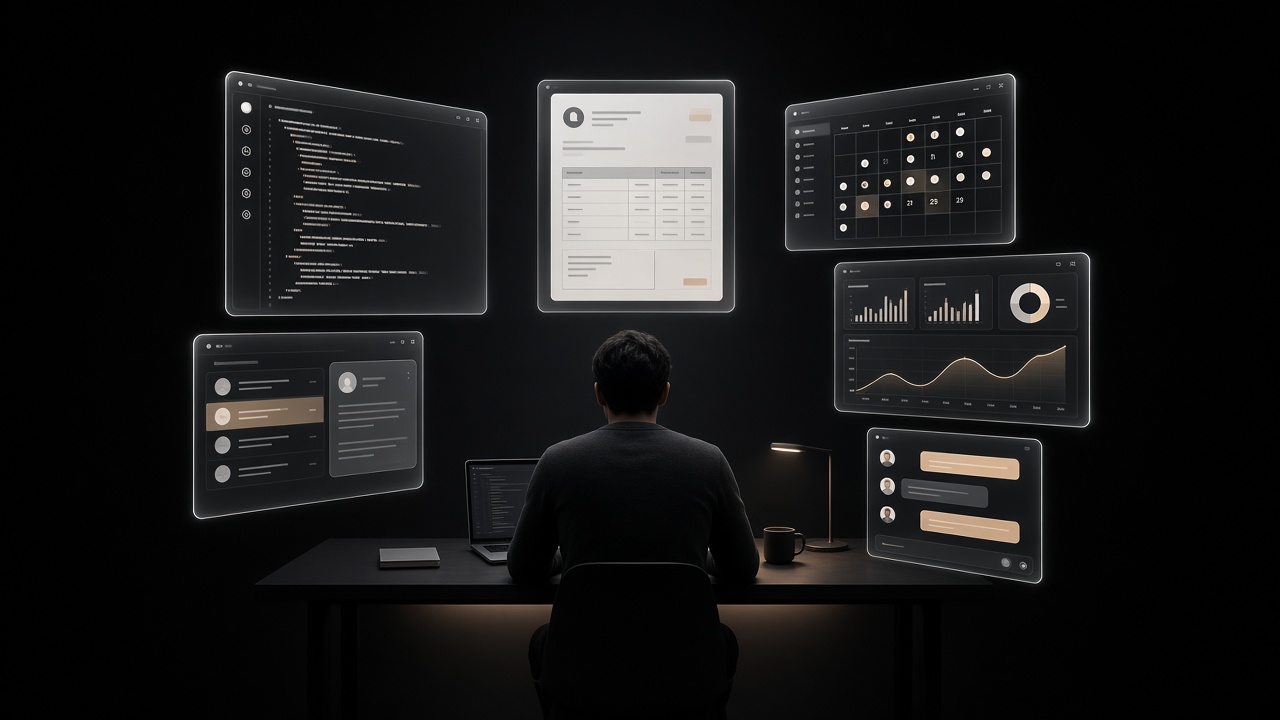
I run Ulltra as a one-person software consultancy. No employees, no co-founder, no virtual assistant. Just me, a handful of clients, and a growing collection of AI tools that handle the work that used to require hiring people or burning evenings on admin.
This is not a "10x your productivity with AI" post. Some AI tools have genuinely changed how I operate. Others were expensive distractions. Here is what actually works after a year of running this setup.
Tools That Earn Their Keep
Coding assistants (Claude Code, GitHub Copilot): This is where AI delivers the most value, by far. I use Claude Code for scaffolding new features, writing tests, debugging, and working through complex refactors. It does not replace thinking about architecture, but it eliminates the tedious parts: boilerplate, looking up API signatures, writing repetitive CRUD logic. On a typical day, coding assistants save me two to three hours.
Email and client communication drafts: Writing proposals, status updates, and follow-up emails used to eat into my afternoons. Now I feed context into Claude, get a solid draft back, edit for tone, and send. The quality is good enough that my editing pass usually takes under five minutes per email.
Invoice and bookkeeping automation: I use simple scripts to pull timesheet data, generate invoices, and prep everything for my accountant. This used to be a half-day task each month. Now it runs in minutes.
The biggest time savings come not from any single tool, but from chaining them together. AI coding assistant writes the automation script, AI drafts the client email about the invoice, and the whole cycle that used to take hours collapses into twenty minutes.
Tools That Disappointed
AI scheduling assistants: Every one I tried added more friction than it removed. Clients found the bot interactions awkward, and I spent time debugging calendar edge cases instead of just picking a time slot manually.
AI-generated marketing content (used raw): Blog posts, social media, landing pages written entirely by AI read like AI. You can feel it. Every piece still needs a serious rewrite to sound like a real person wrote it. AI is a great starting point, but "generate and publish" workflows produce mediocre results that hurt your credibility.
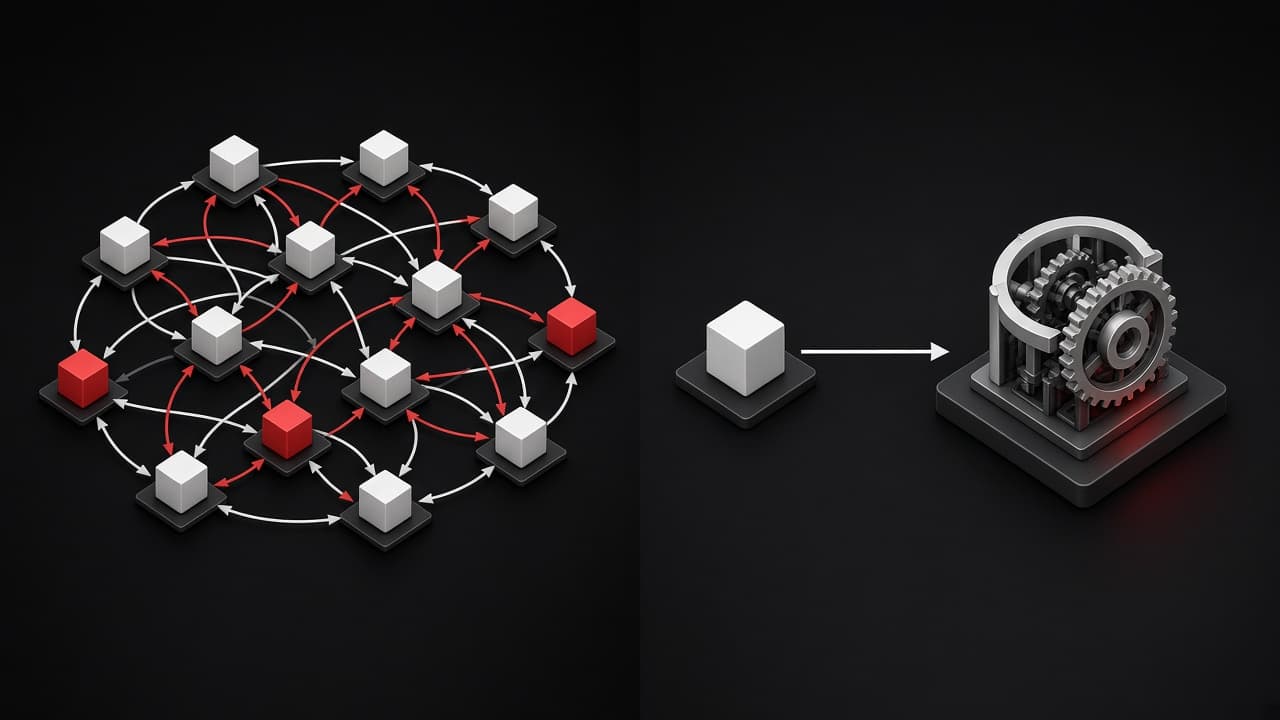
Autonomous agents for complex tasks: The promise of "give AI a goal and let it figure out the steps" is still far from reliable in production workflows. I have found that explicit, well-scoped prompts consistently outperform open-ended agent loops.
If an AI tool requires more time to manage than the task it automates, drop it. The overhead of maintaining fragile automations can quietly consume the hours you thought you were saving.
A Typical AI-Assisted Workday
Here is what a real Tuesday looks like when you run a solo consultancy with AI tools integrated into every step.
08:00  Review overnight client messages
       → AI drafts replies, I review and send (15 min vs 45 min manual)
08:30 Deep work: feature development
→ Claude Code for implementation, test generation, code review
→ 3-4 hour focused block, AI handles boilerplate
12:30 Lunch + async catch-up
13:00 New project scoping
→ Feed requirements doc to AI, get architecture outline + effort estimate draft
→ Refine and send proposal to client
14:30 DevOps / infrastructure
→ AI assists with Dockerfile configs, CI/CD pipeline debugging
15:30 Admin block
→ Generate weekly timesheet summary (scripted)
→ AI drafts status update emails for active projects
→ Review and send invoices
16:30 Learning / R&D
→ Test new tools, update internal templates, write blog content
17:30 Done. No evening email catch-up needed.
The key pattern: AI handles the first draft or the repetitive execution step. I handle decisions, quality control, and client relationships.
A Practical Example
This is a simplified version of a script I actually use. It pulls logged hours from a JSON timesheet, calculates totals per project, and generates invoice line items ready for my accounting tool.
import json
from datetime import datetime
def generate_invoice_lines(timesheet_path: str, rate: float = 180.0):
"""Generate invoice line items from timesheet JSON."""
with open(timesheet_path) as f:
entries = json.load(f)
    projects: dict[str, float] = {}
    for entry in entries:
        project = entry["project"]
        hours = entry["hours"]
        projects[project] = projects.get(project, 0) + hours
    lines = []
    for project, total_hours in projects.items():
        lines.append({
            "description": f"Software development: {project}",
            "hours": total_hours,
            "rate": rate,
            "amount": round(total_hours * rate, 2),
        })
    return {
        "date": datetime.now().strftime("%Y-%m-%d"),
        "lines": lines,
        "total": sum(l["amount"] for l in lines),
    }
I wrote the first version of this script in about ten minutes using Claude Code. It read my existing timesheet format, generated the boilerplate, and I only had to adjust the output structure to match what my accountant expects. That is the sweet spot for AI tooling: well-defined input, clear output format, minimal ambiguity.
Start by automating the task you do most often, not the most complex one. Invoicing, status emails, and test generation are better first targets than "build me an autonomous business agent."
The Honest Summary
Running a software company solo with AI is practical today, but it is not magic. The tools work best when you treat them as very fast junior colleagues who need clear instructions and whose output you always review. The moment you stop reviewing, quality drops.
What makes it viable is the compound effect. Each small automation saves thirty minutes. Stack ten of those and you have reclaimed an entire workday every week. That is the difference between a solo consultancy that works and one that burns you out.
If you are considering a similar setup or want to discuss how AI tools could fit into your development workflow, get in touch.