lltra software.

How we use Claude Code hooks to keep context clean
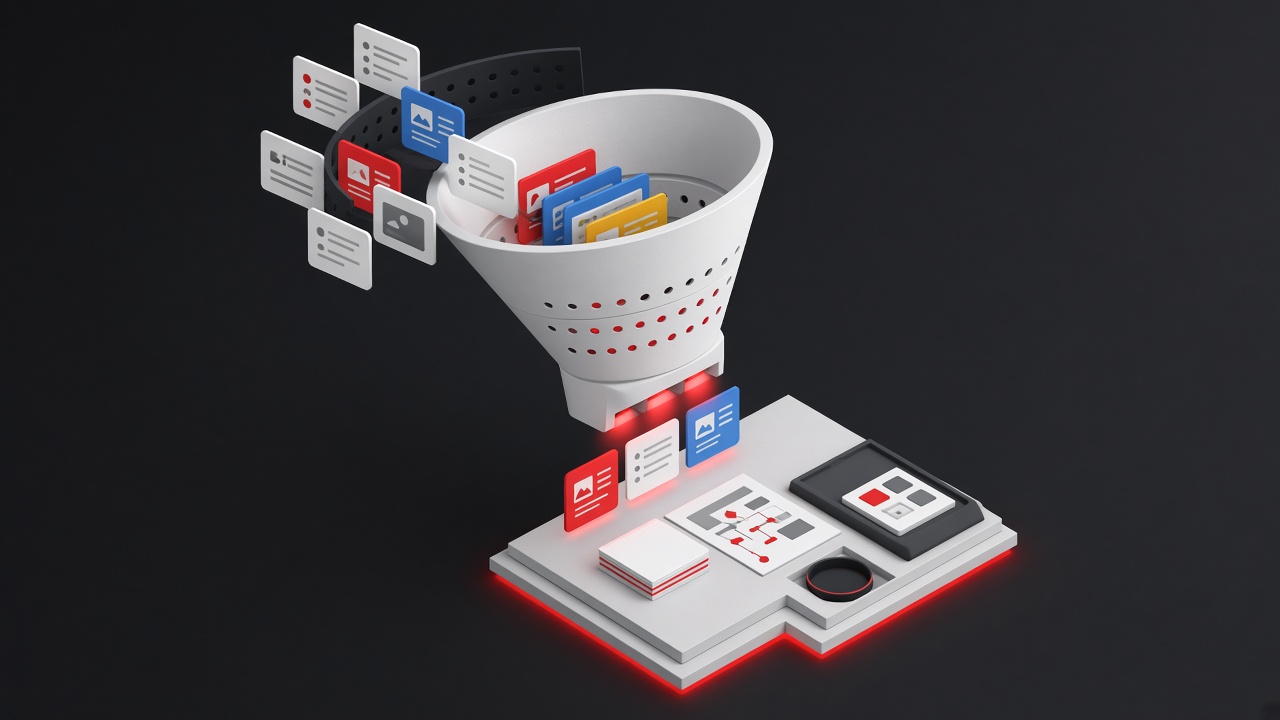
When you use Claude Code as your daily driver for software development, sales outreach, and business operations, you accumulate a lot of rules. Gmail etiquette, HubSpot CRM conventions, code formatting preferences, writing style guides. The naive approach is to dump everything into your CLAUDE.md file, which gets loaded into context on every single prompt. Most of these rules are irrelevant most of the time. Every unnecessary token in context is wasted attention.
The problem: context bloat
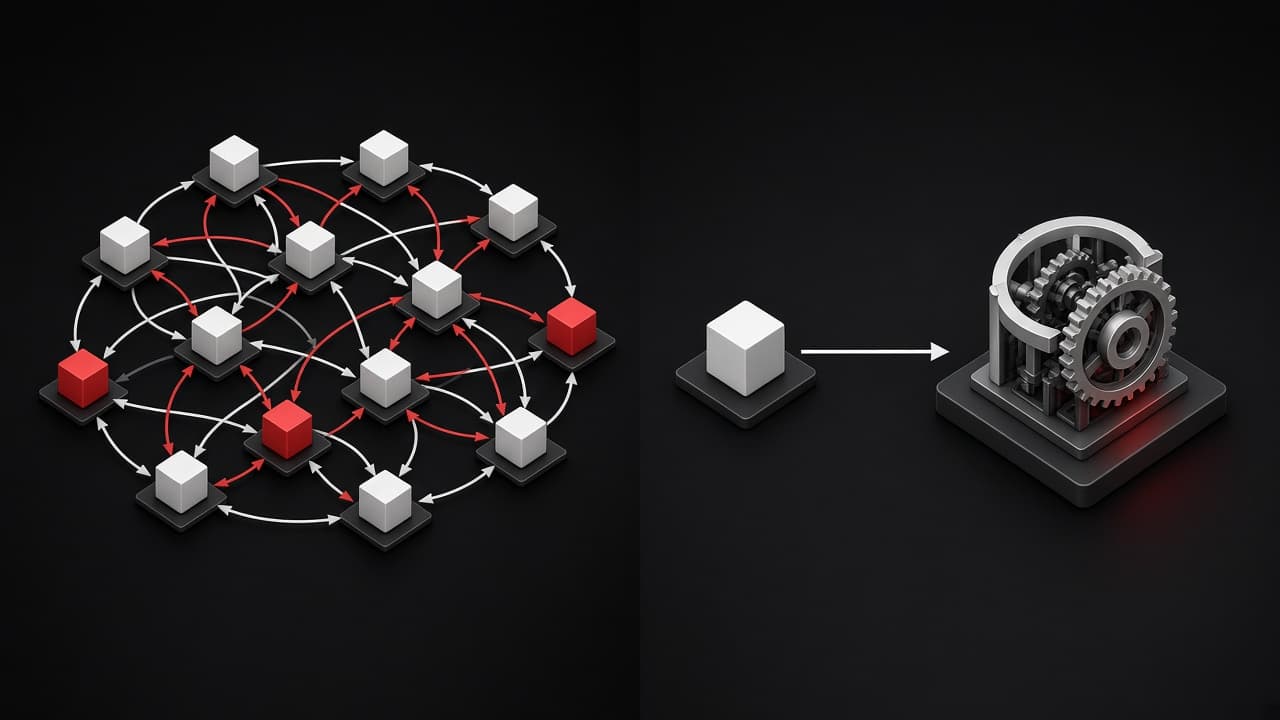
If you're debugging a React component, Claude doesn't need to know that Gmail MCP mangles URLs. If you're writing a database migration, it doesn't need your email signature rules. We run Claude Code across six MCP integrations, each with its own set of quirks and conventions. Stuffing all of that into CLAUDE.md meant roughly 2,000 tokens of instructions loaded on every prompt, with maybe 200 of them relevant to the actual task.
That's not just wasteful. It actively hurts performance. LLMs pay attention to everything in context, and irrelevant instructions compete with relevant ones. We noticed Claude occasionally applying email formatting rules to code comments, or trying to follow CRM conventions when writing blog posts. The model was doing exactly what we asked: following all the rules, all the time.
Context is not free. Every instruction you load competes for the model's attention. Tool-specific rules that load on every prompt are a hidden tax on every unrelated task.
The solution: PreToolUse hooks
Claude Code has a built-in hooks system that lets you run shell commands at specific points in the agent's workflow.[1] The key insight: you can inject context only when it's actually needed.
// ~/.claude/settings.json
{
  "hooks": {
    "PreToolUse": [
      {
        "matcher": "mcp__claude_ai_Gmail__.*",
        "hooks": [
          {
            "type": "command",
            "command": "cat ~/.claude/gmail-rules.md"
          }
        ]
      }
    ]
  }
}
The matcher is a regex that runs against tool names. mcp__claude_ai_Gmail__.* matches any Gmail MCP tool call: create_draft, search_threads, get_message, all of them.
When it matches, the hook runs cat ~/.claude/gmail-rules.md and stdout gets injected into Claude's context. The agent reads the rules right before it needs them, not a moment earlier.
A real example: the Gmail URL bug
We discovered this pattern while dealing with a frustrating bug. Gmail MCP's create_draft and update_draft tools rewrite every URL in the email body into broken Google redirect links (google.com/url?q=...). This happens regardless of whether you use body or htmlBody, plain text or anchor tags. It's a known bug with no fix.
Our first instinct was to put a warning in CLAUDE.md:
When drafts contain URLs/links: DO NOT use Gmail MCP create_draft.
Instead, use Gmail MCP create_draft with placeholder text, then tell
the user to manually add links in Gmail UI.
This works, but it means every single prompt loads this Gmail-specific instruction, even when we're doing something completely unrelated to email.
With hooks, the rule lives in ~/.claude/gmail-rules.md and only enters context when Claude actually tries to call a Gmail tool. Zero overhead otherwise.
If a rule only matters for one tool or one MCP integration, it should live behind a hook, not in CLAUDE.md. Ask yourself: does Claude need this instruction when it's NOT using that tool? If no, move it to a hook.
How hooks work
Hooks trigger on tool names, not on text content. The system supports four events:
PreToolUse runs before a tool call. Exit code 0 with stdout injects context into the conversation. Exit code 2 blocks the tool entirely, which is useful for guardrails.
PostToolUse runs after a tool call completes. We use this for auto-formatting with Prettier after every file write.
UserPromptSubmit runs after every user message. Good for session-wide checks or injecting dynamic context based on what the user typed.
SessionStart runs once when a session begins. We use this to print a quick status summary.
The matcher is a regex against tool names. MCP tools follow the pattern mcp__<server>__<tool>, so you can match broadly (mcp__claude_ai_Gmail__.*) or target specific tools (mcp__claude_ai_Gmail__create_draft).
Our full setup
We combine multiple hooks for different concerns:
// ~/.claude/settings.json
{
  "hooks": {
    "PreToolUse": [
      {
        "matcher": "mcp__claude_ai_Gmail__.*",
        "hooks": [
          {
            "type": "command",
            "command": "cat ~/.claude/gmail-rules.md"
          }
        ]
      }
    ],
    "PostToolUse": [
      {
        "matcher": "Write|Edit",
        "hooks": [
          {
            "type": "command",
            "command": "npx prettier --write \"$file\" 2>/dev/null || true",
            "statusMessage": "Running prettier..."
          }
        ]
      }
    ]
  }
}
Gmail rules load on demand. Prettier runs after every file change. Each concern is isolated and only active when relevant.
What goes where
After experimenting with different approaches, here's our mental model:
| Where | What goes there | When it loads |
|---|---|---|
CLAUDE.md | Project structure, core conventions, identity | Every prompt |
settings.json hooks | Tool-specific rules (Gmail, formatting) | Only when that tool is called |
| Memory files | User preferences, learned corrections | Every prompt (keep it small) |
The goal is to keep CLAUDE.md and memory lean. Anything that's tool-specific should live behind a hook.
Don't overengineer this. If a rule applies to most of your work, it belongs in CLAUDE.md. Hooks are for the exceptions: tool-specific quirks, integration workarounds, and formatting that only matters in one context.
Takeaway
If you're using Claude Code with MCP integrations, hooks are the cleanest way to manage tool-specific context. Instead of a bloated CLAUDE.md that tries to cover every possible scenario, you get targeted rules that load exactly when needed. Your agent stays focused, your context stays clean, and you stop paying the attention tax on instructions that don't apply.
We have strong opinions about keeping AI agents focused. If you're building agent workflows and want to discuss architecture, get in touch.
Sources
- [1]Anthropic (2025). Hooks reference — Claude Code Docs. Official documentation for PreToolUse, PostToolUse, UserPromptSubmit, and SessionStart hook events