lltra software.

Case Study - AI-Powered Development: Setting Up Teams from Engineers to Business Users
We configured AI coding tools for a 30-person engineering team and built a separate AI-assisted environment for business users to contribute to internal tools.
- Client
- A Swiss Software Company
- Timeline
- 4 weeks setup + ongoing
- Impact
- 3x prototyping speed, zero security incidents
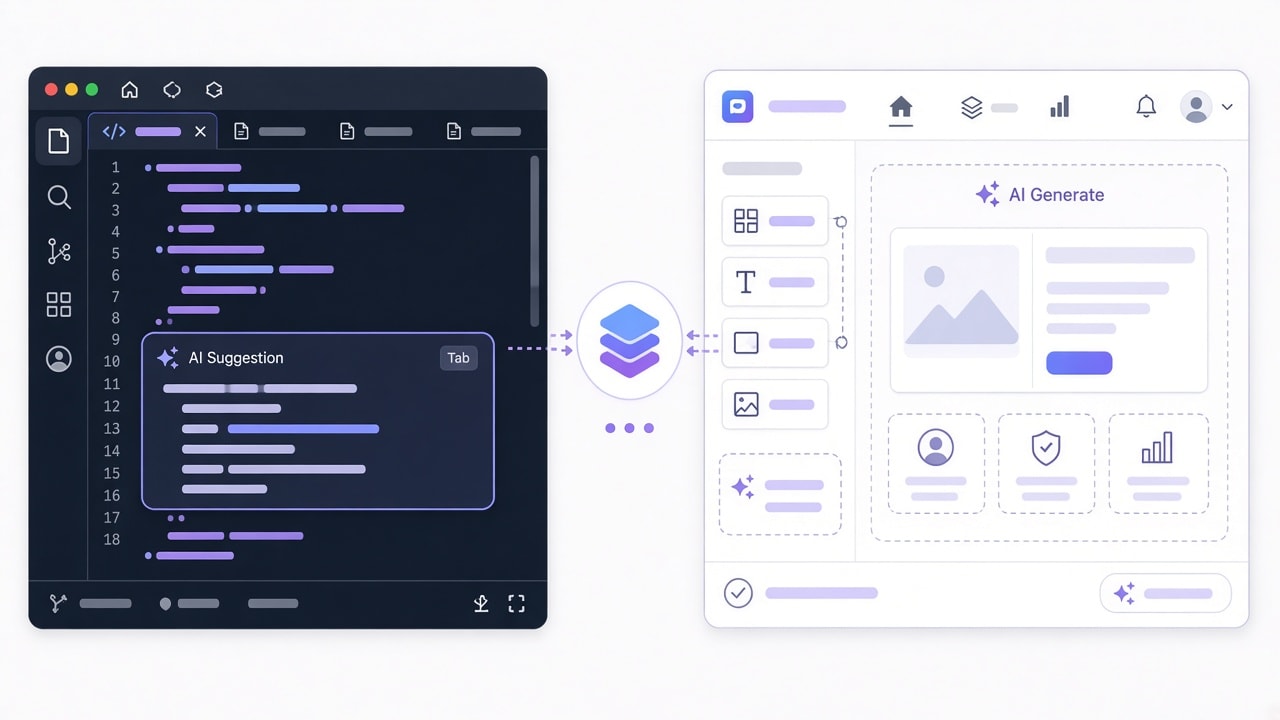
Setting up AI coding tools for a development team
Rolling out AI coding assistants to a 30 person engineering team is not as simple as buying licenses and sending a Slack message. Without shared conventions, every developer ends up with their own prompting style, their own workarounds, and their own blind spots. The result is inconsistent code quality and a false sense of productivity.
We started with a phased rollout. One squad of five engineers adopted Claude Code first, working through the friction points before the broader team got involved. During this phase, we established the core tooling stack: Claude Code as the primary AI assistant, a shared CLAUDE.md file at the repository root for conventions, a .claude/skills/ directory for reusable workflows, and pre-commit hooks that enforce quality on every change.
The pre-commit configuration runs automatically on all code, whether written by a human or generated by AI:
# .pre-commit-config.yaml
repos:
  - repo: local
    hooks:
      - id: lint-and-type-check
        name: Lint + TypeScript
        entry: bash -c 'npm run lint && npx tsc --noEmit'
        language: system
        pass_filenames: false
      - id: security-scan
        name: Security scan (Semgrep)
        entry: semgrep --config=auto --error
        language: system
        types: [python, typescript, javascript]
After two weeks with the pilot squad, we had enough confidence in the setup to expand to the full team. The key insight: the conventions file matters more than the tool itself.
The CLAUDE.md approach: shared conventions that scale
A CLAUDE.md file sits at the root of each repository and tells Claude Code how the team works. It captures architecture decisions, non-obvious constraints, naming conventions, and test requirements. Think of it as onboarding documentation that happens to be machine readable.
Here is a simplified version of the conventions file we created for this client:
# CLAUDE.md

## Architecture

- Backend: NestJS with TypeORM, PostgreSQL 15
- Frontend: Next.js 14 App Router, Tailwind CSS
- All API endpoints follow REST conventions under /api/v2/

## Naming Conventions

- Database tables: snake_case plural (e.g. user_sessions)
- TypeScript interfaces: PascalCase with I prefix (e.g. IUserSession)
- API endpoints: kebab-case (e.g. /api/v2/user-sessions)

## Testing Requirements

- Every new endpoint needs integration tests (Jest + Supertest)
- Minimum 80% branch coverage for business logic modules
- E2E tests for any workflow touching payments

## Forbidden Patterns

- Never use `any` type in TypeScript (use `unknown` if needed)
- No raw SQL queries outside the /db/queries/ directory
- Do not install new dependencies without team lead approvalThe CLAUDE.md file is not static. We set up a monthly review cycle where the team updates it based on new patterns, resolved debates, and lessons learned. The file evolves with the codebase.
We also built custom skills in .claude/skills/ for repetitive tasks: generating API endpoints with boilerplate, scaffolding test files, and creating database migration scripts. These skills encode the team's established patterns so Claude Code produces output that looks like it was written by a senior team member, not a generic template.
Enabling business users to build with AI (without breaking things)
The business team (product managers, analysts, operations staff) had a different problem. They were drowning in a backlog of internal tool requests: KPI dashboards, approval workflows, CSV processors, Slack notification bots. Engineering capacity was the bottleneck.
We set up a parallel track using no-code platforms (Retool for dashboards, Glide for simple mobile apps) combined with "vibe coding" tools where business users describe what they want in plain language and get working prototypes. This approach works well for a specific category of applications:
What works: Internal dashboards connected to read-only database replicas. Approval workflows with clear business rules. Simple CRUD apps for tracking inventory, managing event registrations, or logging customer feedback.
What breaks: Anything that touches sensitive data without proper access controls. Applications that need to scale beyond a handful of users. Edge cases that require complex validation logic. And, critically, security.
A Stanford study found that 65% of "vibe coded" applications contain at least one exploitable vulnerability. Business users cannot be expected to evaluate generated code for SQL injection, XSS, or authentication bypass. The tooling must handle this for them.
We built guardrails into the environment itself: read-only database connections, API tokens with minimal scopes, and mandatory security scanning before any generated tool reaches even internal users. Business users never touch production systems directly.
The security gap nobody talks about
The enthusiasm around AI coding tools often overshadows a serious problem. Research from 2025 and 2026 paints a concerning picture: 86% of AI generated code samples fail basic XSS prevention checks. Phantom package attacks (where AI hallucinates package names that attackers then register) have become a real supply chain risk. And 61% of enterprises using AI coding tools have no formal governance policy in place.
We addressed this with three layers:
-
Sandboxed environments. Business users operate in isolated environments with no access to production databases, customer PII, or payment systems. Their tools connect exclusively to anonymized replicas and internal APIs with rate limits.
-
Mandatory scanning. Every piece of generated code passes through Semgrep and Snyk before deployment, regardless of whether a developer or business user created it. Failures block deployment automatically.
-
Quarterly governance review. A cross-functional group (engineering, security, legal) reviews all AI generated tools in production, audits access patterns, and updates policies. This catches drift that automated scanning misses.
The governance review uncovered something unexpected: three internal tools built by business users were storing session tokens in localStorage. Automated scanning caught the XSS vectors, but the architectural anti-pattern required human review to identify. Both layers are necessary.
Two tracks, one codebase: how we connected both
Running separate environments for developers and business users creates a coordination challenge. Business users build useful prototypes that eventually need production quality, and developers need visibility into what the business team is creating.
The handoff process works like this: business users build and iterate in their sandboxed environment. When a tool proves valuable (consistent usage over two weeks, positive feedback from stakeholders), it enters a promotion pipeline. A developer reviews the generated code, refactors it to match production standards using the CLAUDE.md conventions, adds proper tests, and deploys it through the standard CI/CD pipeline.
This gives business users fast iteration cycles while ensuring that anything running in production meets engineering standards. The developer review step typically takes one to two days, compared to the weeks or months the original backlog would have required.
Results after six months
The numbers tell a clear story:
- 3x prototyping speed for the engineering team. Features that previously took a full sprint to prototype were ready for review in days.
- 14 internal dashboards built by business users without a single engineering ticket.
- Zero security incidents across both tracks in six months of operation.
- Backlog reduction of 40% for internal tooling requests, freeing engineering capacity for product work.
- Team satisfaction scores for internal tooling went from 3.2/10 to 8.1/10.
The governance framework has since been adopted as the company standard for all new AI tool rollouts, and two additional departments have requested their own sandboxed environments.
If you are considering AI coding tools for your team, whether for developers, business users, or both, get in touch. We will help you set it up right the first time.
What we did
- Claude Code Setup
- CLAUDE.md Conventions
- Security Scanning
- No-Code AI Tools
- Team Training
- Governance Framework